


Emerald supports different reference currencies, select the most convenient to you.
You can watch this Emerald short here:
Emerald wallet supports the following reference national currencies to express the crypto values on your wallets:
EUR, USD, CNY, RUB, KRW, AUD.
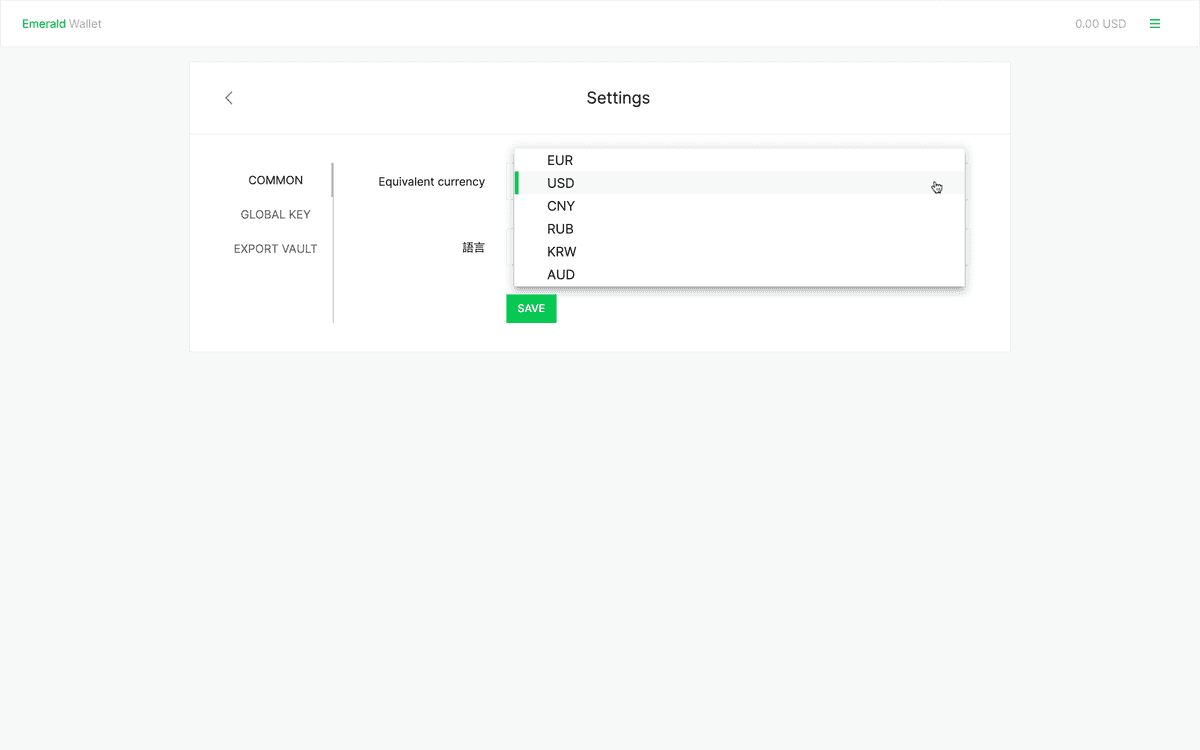
For your convenience, you can change the reference currency on your Emerald Wallet.
To do so, follow these instructions:
-
Open your Emerald wallet.
-
You will see your wallets on the home or dashboard. The default reference currency is the USD.
-
To change your reference currency, go to the main menu on the top right and select "Settings".
-
In the next screen you will see a dropdown menu that says "Equivalent currency".
-
Open that dropdown menu and select the reference currency you wish to use.
-
Press "SAVE".
-
You will see a message that says "Settings has been saved".
Your reference currency is now changed!


